How do I update my account information?
Update your SimplyScapes profile in a few clicks. Change your name and personal details from the account settings and see them applied instantly.
Updating your account information in SimplyScapes helps keep your profile organized and current.
To update your personal details:
- Click your profile in the lower-left corner of the dashboard.
- Select My Settings.
- Update your profile picture, first name, last name, or mobile phone.
- Click Save to confirm your changes.
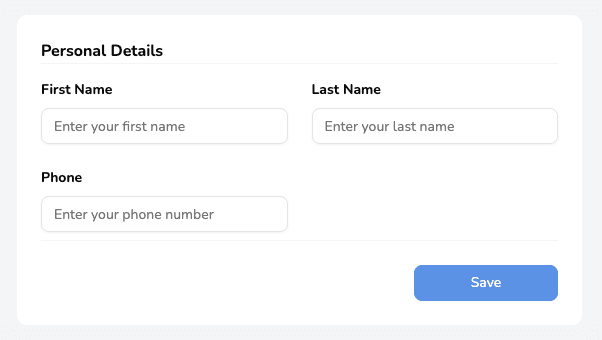
Your updated information will be reflected immediately across your account.
Do I need a password?
SimplyScapes uses passwordless login, so there is no password to set, remember, or reset. Sign in with a 6-digit code emailed to your inbox instead.
How do I change my email address?
Change the email on your SimplyScapes account without losing your designs. Contact support to update it, plus what to do if you lost access to the old inbox.